Read papers and prepare a journal club with AI
From a paper PDF to a structured report: read figures, check the evidence, and prepare discussion questions.
By Ki-Hyun Jeon
What you will learn
Use an eight-part Korean report to understand a paper’s question, methods, results and limitations, then prepare your own discussion. Journal Club is a separate program that runs on your computer.
Before you begin
Prepare Python 3.11 or later and either a signed-in Claude Code CLI or an Anthropic API key. Subscription mode uses your allowance; API mode is billed separately.
Download and setup instructions →
Start the program and open the local address shown in its terminal. The screen below is an example from the project, not an upload form on DocGPT.
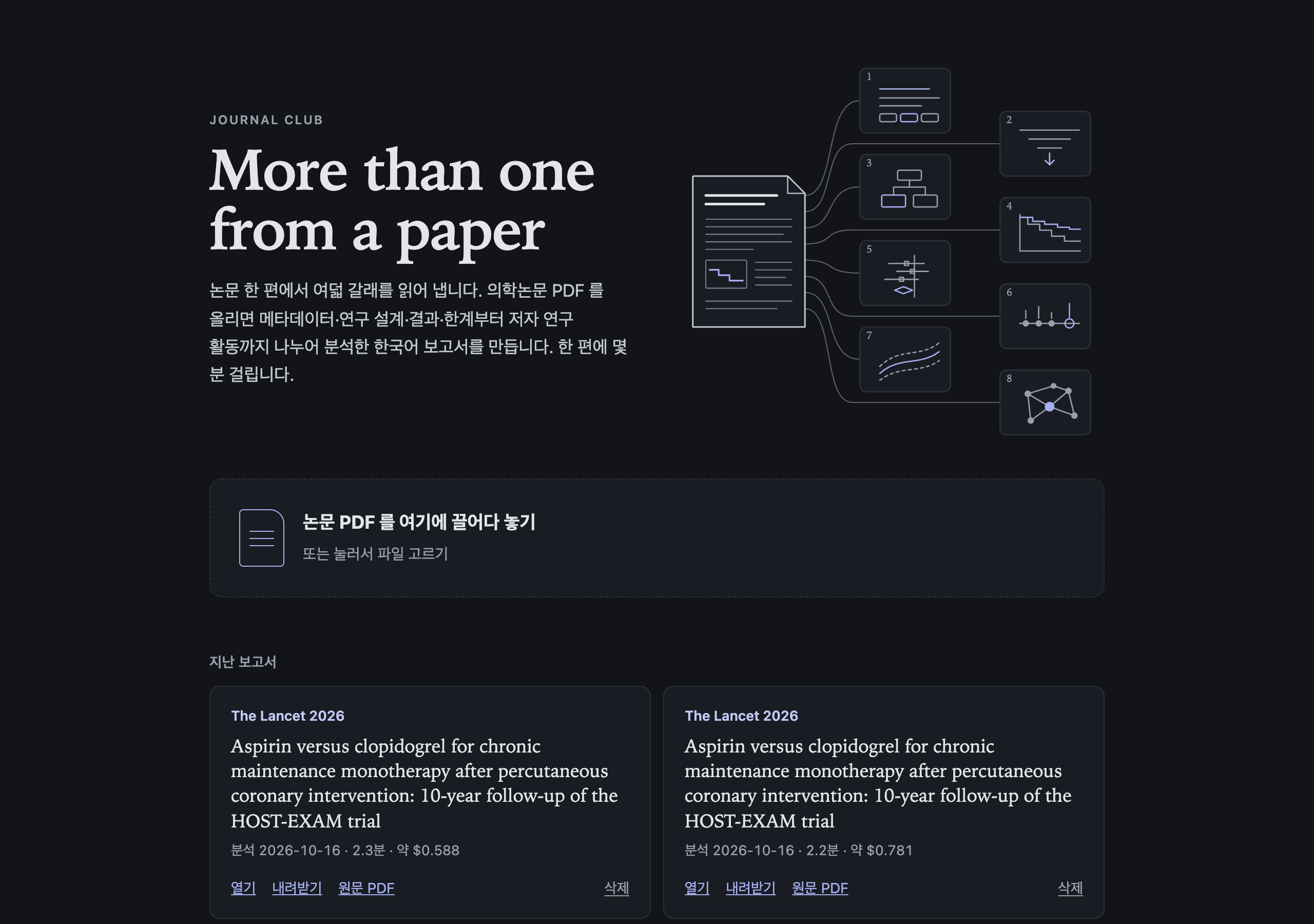
01 / Choose a paper
Choose a PDF whose text can be selected, then drag it onto the app’s upload area. Scan-only PDFs are not supported by the documented workflow. Follow the eight progress indicators and open the completed report.
02 / Read with a purpose
Start with the research question, study design and main results. Then examine the figures and tables alongside the explanation. Use the other sections to explore related work, the discussion, limitations and author activity.
- What question does this paper answer?
- Does the design support that answer?
- What result would change your interpretation?
03 / Return to the original
Check the population, comparison, endpoint, effect size and confidence interval in the original PDF. Follow page references and inspect numerical warnings. Automatic checks can find a number in the paper without proving that it was assigned to the right group.
04 / Prepare the discussion
Write down the main finding, one methodological strength, one limitation and a question for the group. Separate the authors’ conclusions from your interpretation.
Discussion worksheet
Research question: …
Main result and its source: …
Strength / limitation: …
Relevance to our patients: …
Question for the group: …
05 / Save and revisit
Download the HTML report or use the print button to save a PDF. Reports are kept in the program’s local reports folder and can be reopened from its home screen.
Keep these distinctions in mind
Paper content is sent to Claude for analysis and scholarly services are queried for bibliographic information. DocGPT hosts this guide; it does not run your analysis. Check AI interpretations against the original. Approximate journal metrics are not official Impact Factors.
This guide covers the public PDF-to-report workflow. Wiki and slide-generation code in the working folder is not presented here as a verified public feature.